Ansys computational fluid dynamics (CFD) products are for engineers who need to make better, faster decisions. Our CFD simulation products have been validated and are highly regarded for their superior computing power and accurate results. Reduce development time and efforts while improving your product’s performance and safety.
Synopsys and Ansys power the future of innovation—connecting silicon to systems.
-
-
Access Free Student Software
Ansys empowers the next generation of engineers
Students get free access to world-class simulation software.
-
Connect with Ansys Now!
Design your future
Connect with Ansys to explore how simulation can power your next breakthrough.
Free Trials
Products & Services
Learn
About
Back
Products & Services
Back
Learn
Ansys empowers the next generation of engineers
Students get free access to world-class simulation software.
Back
About
Design your future
Connect with Ansys to explore how simulation can power your next breakthrough.
Free Trials
Ansys Fluids
Computational Fluid Dynamics (CFD) Simulation Software
Fast, Accurate CFD
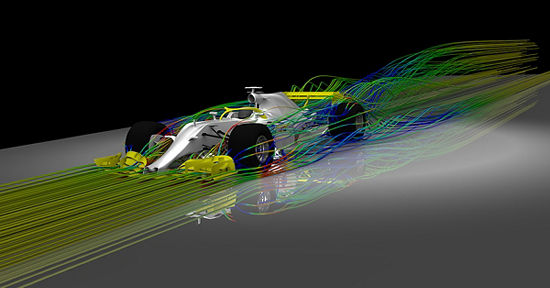
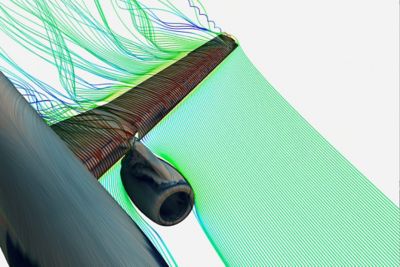
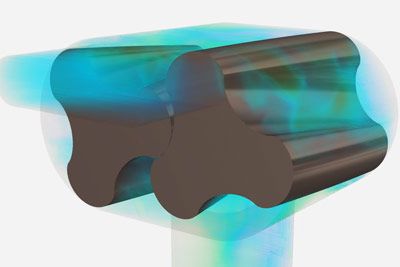
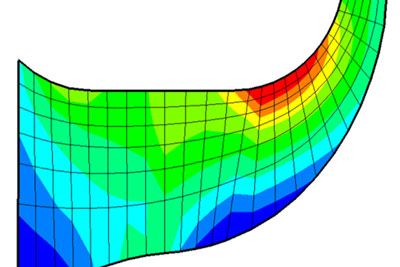
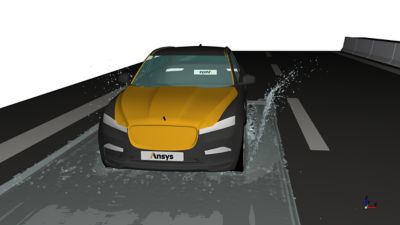
Intuitive, yet extremely powerful, our computational fluid dynamics software’s accelerate product development. Ansys CFD products give you the possibility to make incredible progress through innovation as pressures to optimize products ratchet up and margins for error narrow quickly. Comprised of the industry’s most accurate and trusted solvers, you will have confidence in your results. Whether you want to maximize the efficiency of an internal combustion engine or perform an in-flight icing simulation, Ansys has the tool for you. Maximize your time and increase productivity with modern, user-friendly Ansys CFD products.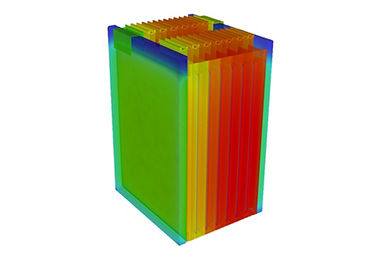
We offer streamlined physics workflows to reduce time to accurate results, including battery conjugate heat transfer (CHT) simulations.
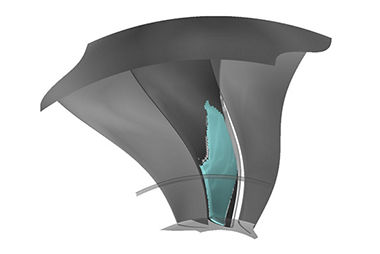
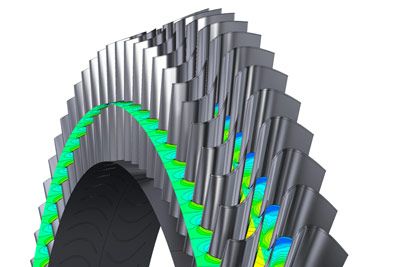
From ice accretion to combustion in a gas turbine, we have the CFD products to solve your problem accurately and efficiently.
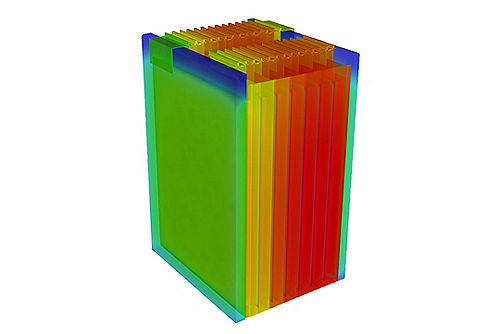
We offer streamlined physics workflows to reduce time to accurate results, including battery conjugate heat transfer (CHT) simulations.
From ice accretion to combustion in a gas turbine, we have the CFD products to solve your problem accurately and efficiently.
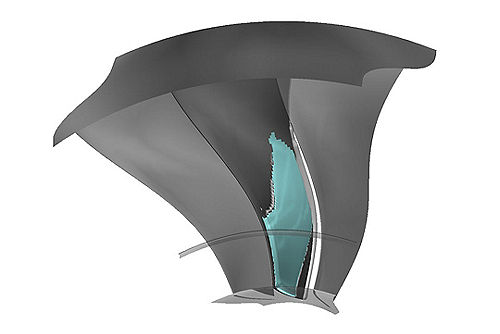
Fluids Products





March 2026
What's New
In Ansys 2026 R1, the fluids product line delivers critical enhancements to meet your performance and productivity needs. The Fluent GPU Solver continues to mature, with more robust models for numerous applications. Usability improvements in Ansys Fluent are driving increased productivity through Fluent Web Interface and HPC advancements.
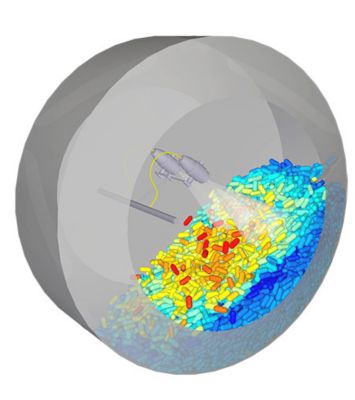
Outside of Ansys Fluent, performance improvements across FreeFlow, Rocky, Thermal Desktop, CFX, and TurboGrid include new integrations with other Ansys products, new usability options, and enhanced physics.

Webinars




Join the Ansys Fluids Community
