|
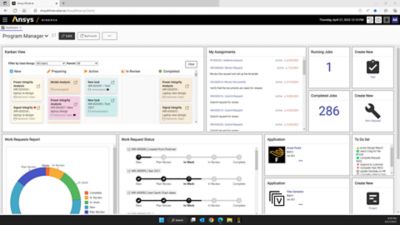
ANSYS EKM Desktop offers an easy-to-use and intuitive user interface. A "Getting Started" wizard displays actions that you can perform when the application is launched, such as:
- Add content
- Search simulation files
- Create simulation details and comparison reports
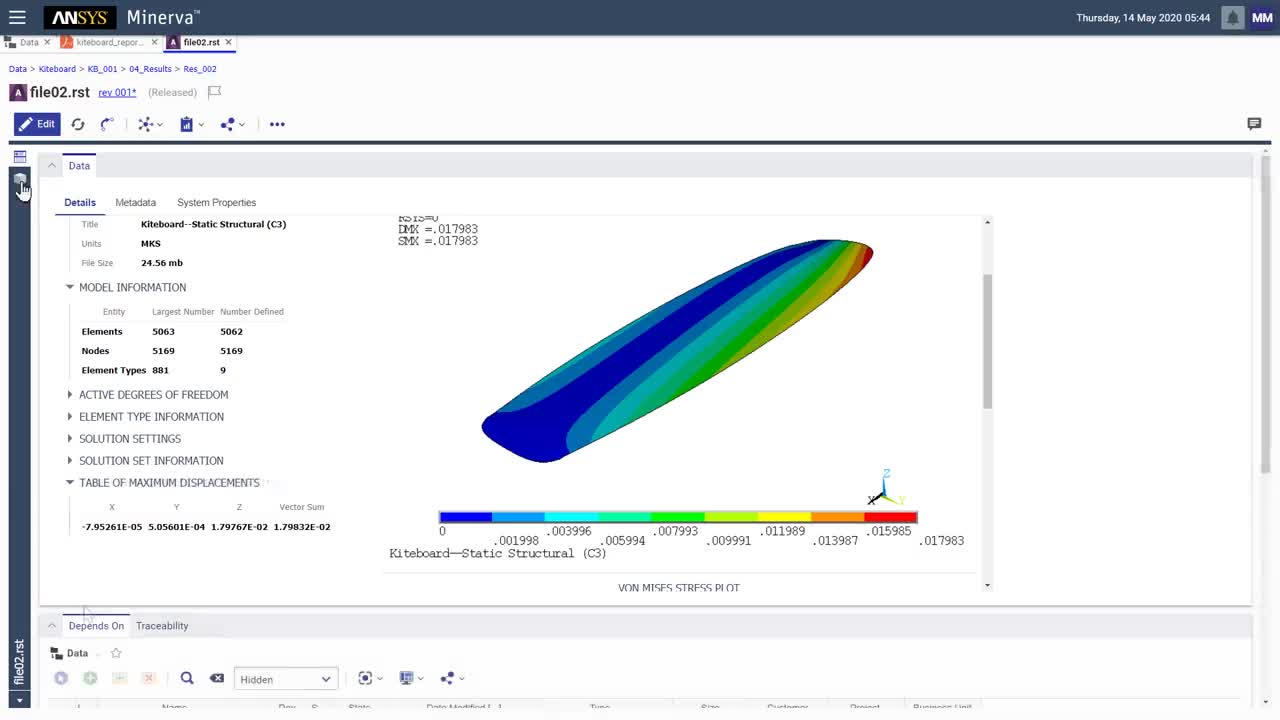
You can point to folders located on your local machine, mapped or shared network drive and add content from these folder locations to the ANSYS EKM Desktop repository so that the properties and attributes are automatically extracted from the source files. Any time the source files are updated on your local disk or drive, you can synchronize the content so that updated properties are available in ANSYS EKM Desktop. The files that are being indexed by ANSYS EKM Desktop can be retrieved using keyword and advanced search features. The search criteria can be saved, edited and reused later.
 |
 |
| ANSYS EKM Desktop "Advanced Search" |
Search results can be accessed in associated applications |
ANSYS EKM Desktop allows you to create "Simulation Details" and "Comparison" reports which help to translate the simulation intent into a user-friendly report that can be saved in standard formats such as PDF and EXCEL, among others. Simulation files can be compared by creating a "Comparison Report" that can help you identify the best simulation that meets your current needs from multiple candidates.
 |
 |
| Simulation Details Report |
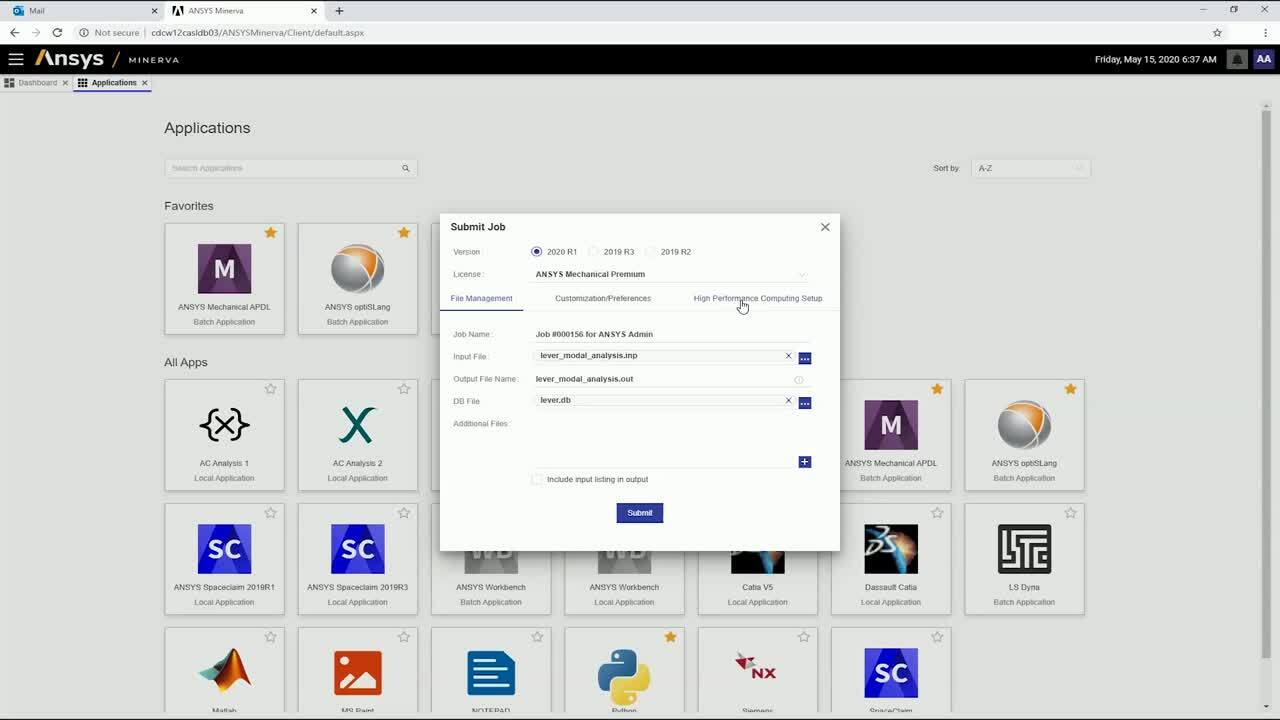
The searched and retrieved simulation files can also be opened in associated applications directly from within EKM Desktop (e.g., *.cas files will open in FLUENT; ANSYS *.db files will open in Mechanical APDL). You can also open the folder that contains the searched files on the mapped or shared drive, or local computer.
Simulation Collaboration
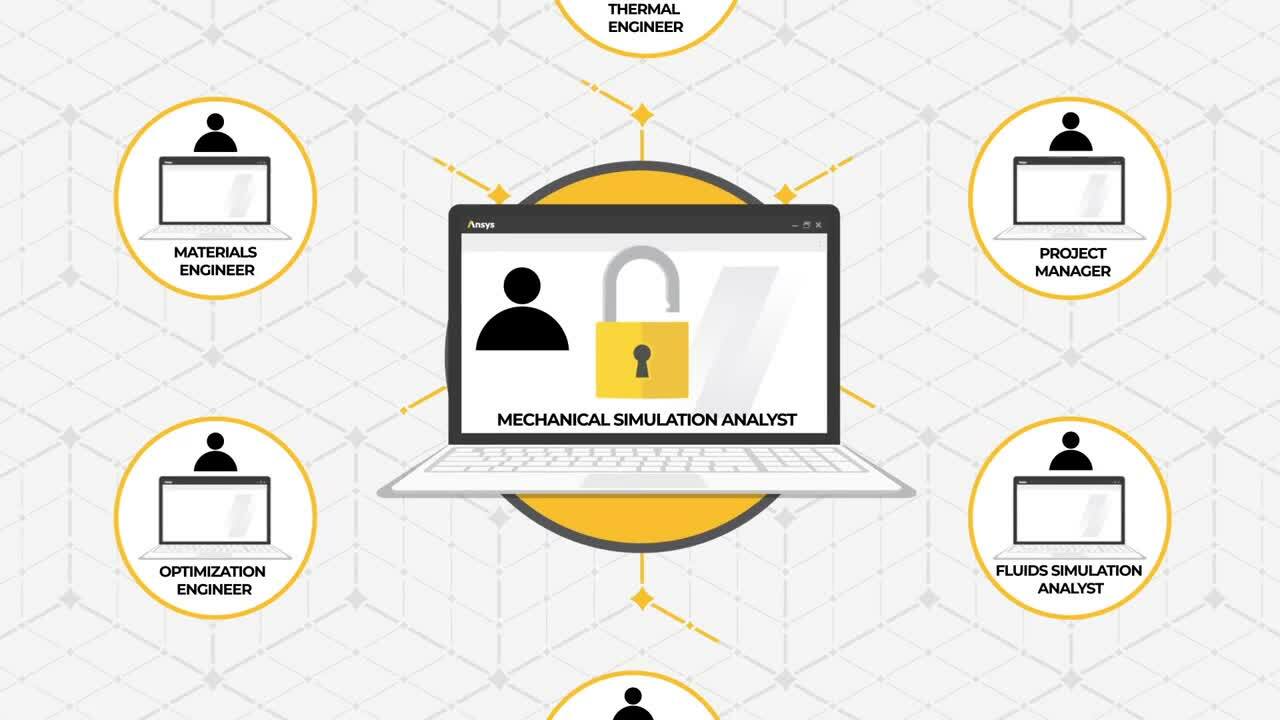
In addition to accessing the single-user ANSYS EKM Desktop version, you can also leverage the extensive simulation process and data management capabilities provided by the ANSYS EKM product directly from the ANSY Workbench environment. If your organization has purchased a standard ANSYS EKM product (Workgroup or Enterprise version) and installed the ANSYS EKM server, then ANSYS Workbench in ANSYS 12.0 provides the option of connecting with the standard ANSYS EKM database and enabling CAE/simulation collaboration.
|
 |
ANSYS EKM File Transfer Client (FTC)
can be
accessed from the ANSYS Workbench environment |
Transfer of local files to the ANSYS EKM Workgroup
or Enterprise repository allows collaborative simulation |
You can launch the ANSYS EKM File Transfer client from the "File" menu in ANSYS Workbench and transfer files from your local project to a central ANSYS EKM server database. By connecting to a shared ANSYS EKM repository that other users have access to, you can easily share your local simulation files to enhance collaboration, and search and retrieve files to promote greater reuse.
|