Structural Mechanics Solutions Features |
||||||||||||||||||||||||||||||||||||||||||||||||||||||||||||||||||||
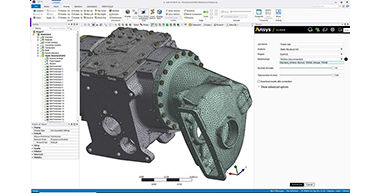
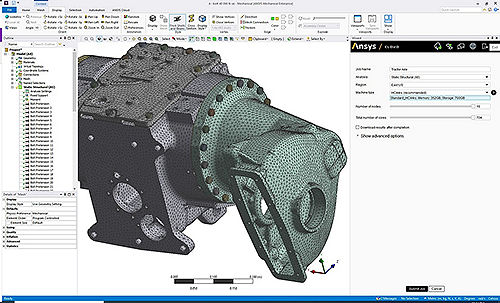
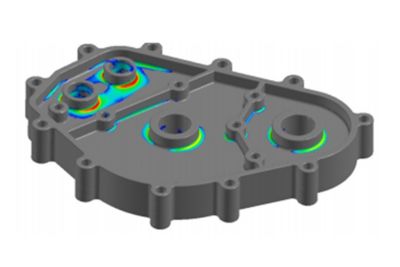
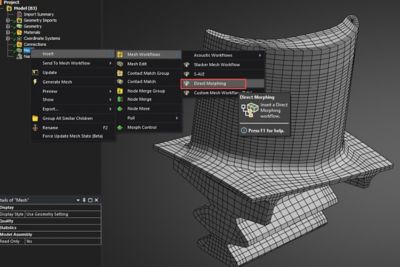
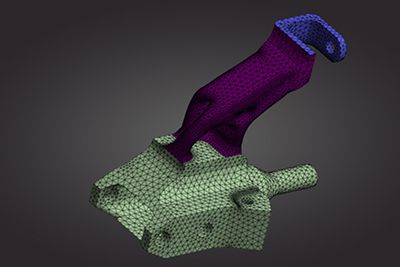
Superior CAD Interface and Robust MeshingWith ANSYS mechanical solutions you can use your existing native CAD geometry directly with no translations, no IGES, and no middle geometry formats. ANSYS has provided native, bi-directional, integration with the most popular CAD systems for more than 10 years and also provides integration directly into the CAD menu bar making it very simple to launch the world class ANSYS simulation directly from your CAD system. Since our geometry import mechanism is common to all CAD systems, it gives the user the flexibility to work with a single common simulation environment even while using multiple CAD packages. We support the following CAD systems: Autodesk® Inventor®, Autodesk Mechanical Desktop®, Autodesk Inventor Professional Stress, CATIA® v4 and v5, Pro/ENGINEER®, Solid Edge®, SolidWorks®, Unigraphics®, CoCREATE Modeling™ and SpaceClaim®. The ANSYS Workbench environment also supports neutral format files: IGES, Parasolid®, ACIS® (SAT), STEP – enabling the use of any CAD system able to export to any of these formats. ANSYS provides a wide range of highly robust automated meshing tools – from tetrahedral meshes to pure hexahedral meshes, inflation layers and high quality shell meshes. You have the ability to set your own mesh settings like surface or edge sizing, sphere of influence, defeaturing tolerances and much more. Auto Contact Detection for AssembliesOnce the geometry has been imported, ANSYS automatically detects and does setup for contacts or joints between parts of an assembly. You can modify contact settings and options and also add some additional manual contact definitions. Joints for flexible/rigid dynamics are automatically detected. Each contact or joint is easily identified using the graphical tools provided by the environment.
Comprehensive Element TechnologyThe current generation of ANSYS element technologies provides rich functionality with a consistent theoretical foundation coupled with the most advanced algorithms. The ANSYS Mechanical software provides a large library of elements such as beam, pipes, shells, solids, 2-D planar/axisymmetric and 3-D axisymmetric, which have wide applicability including; composites, buckling and collapse analysis, dynamics analysis and nonlinear applications. The library also includes special purpose elements like gaskets, joints, interface elements, layered elements for composite structures. These elements offer superior performance, functionality and support advanced material models and methods like remeshing/rezoning, fracture mechanics and coupled fields, while also accommodating distributed solver processing needs.
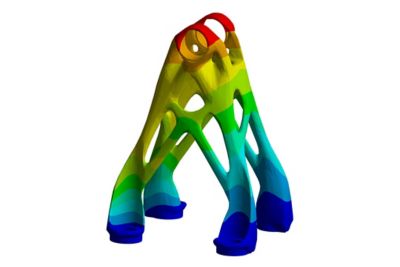
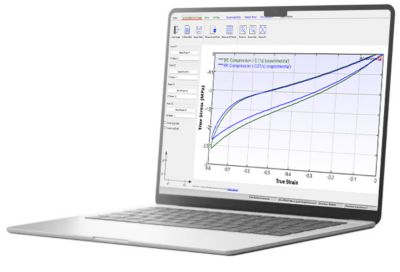
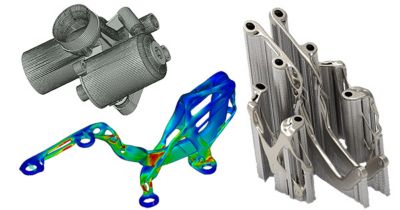
Extensive Library of Material ModelsIt is vital to understand and accurately characterize material behavior while designing or analyzing an engineering application. ANSYS provides a vast library of mathematical material models which aids the user to simulate various kinds of material behavior such as elasticity, viscoelasticity, plasticity, viscoplasticity, cast-iron plasticity, creep, hyperelasticity, gaskets and anisotropy. These constitutive models can be used to simulate various kinds of materials such as metals, rubber, plastics, glass, foam, concrete, bio-tissues and special alloys. In addition, in order to aid in finding parameters for these materials models, ANSYS also provides a set of curve fitting tools. Advanced Numerical Methods for Nonlinear ProblemsWith a solid foundation of element and material technology, ANSYS structural mechanics offers various advanced modeling methods for different kinds of applications. There are modal, harmonic, spectrum, rotordynamics, flexible multibody dynamics, component mode synthesis, cyclic symmetry, delamination, composite failure, fracture mechanics, adaptive meshing, 2-D rezoning, sub-modeling, sub-structuring, element birth and death, topology optimization, among others. In addition, ANSYS structural mechanics also offers advanced capabilities which allow you to simulate a variety of physics phenomena, such as; thermal-stress, electro-mechanical, structural-acoustics, mass diffusion and simple thermal-fluid analysis.
Powerful Solver CapabilitiesANSYS structural mechanics solutions offer a large library of equation solvers to the users out of the box. It contains the Sparse direct solver, the Preconditioned Conjugate Gradient (PCG) iterative solver, the Jacobi Conjugate Gradient (JCG) solution, etc. In addition, the Algebraic Multi-Grid (AMG) solver as well as distributed versions of the PCG, JCG, and Sparse solvers are available for use in large scale computing via parallel processing.
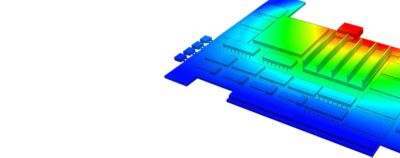
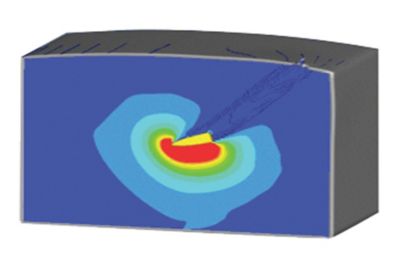
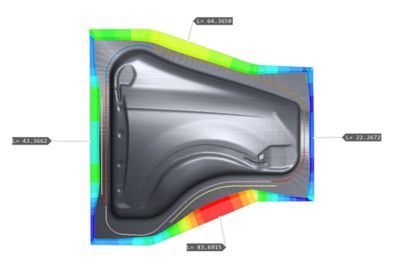
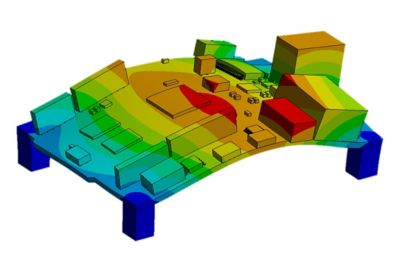
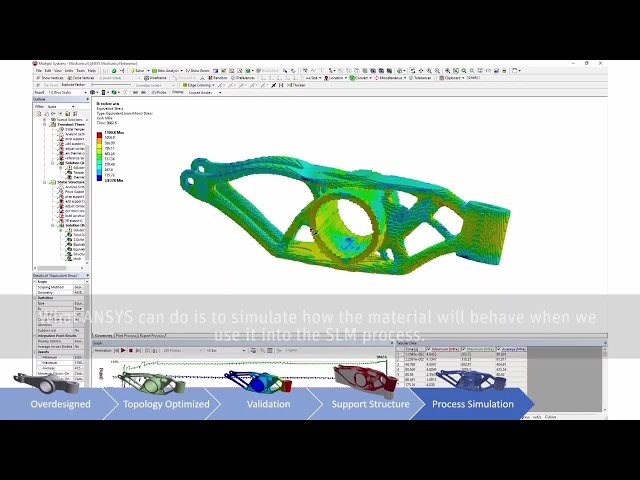
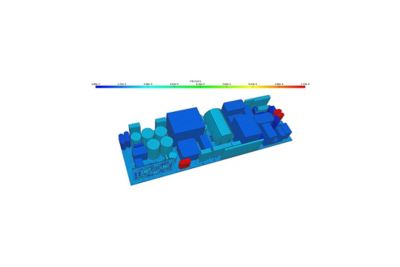
Advanced Post-ProcessingANSYS provides a comprehensive set of post-processing tools to display results on the models as contours or vector plots, provide summaries of the results (like min/max values and locations). Powerful and intuitive slicing techniques allow the user to get more detailed results over given parts of the geometries. All the results can also be exported as text data or to a spreadsheet for further calculations. Animations are provided for static cases as well as for nonlinear or transient histories. Any result or boundary condition can be used to create customized charts.
ReportANSYS lets you explore your design in multiple ways. All the results you get must then be efficiently documented. ANSYS will provide you instantaneous report generation to gather all technical data and pictures of the model in a convenient format (HTML, MS Word, MS PowerPoint).
Solver Customization and ScriptingCustomization capabilities through user elements, user materials and scripting using ANSYS Parametric Design Language (APDL) provides flexibility and extends the capability of applications for mechanical solutions. APDL is the foundation for accessing sophisticated features of the structural mechanics solver. In addition, you can use APDL to automate common tasks, build your own parametric model, design optimization, adaptive meshing, etc., as it offers many convenient features such as parameters, macros, branching, looping and repeating and array parameters that you can use in your day-to-day analyses. |
||||||||||||||||||||||||||||||||||||||||||||||||||||||||||||||||||||