ANSYS Professional

ANSYS Professional software provides a first step into advanced linear dynamics and the nonlinear capabilities of ANSYS structural mechanics. ANSYS Professional comes in two versions:

  • ANSYS Professional NLT that includes linear structural and dynamics capability as well as nonlinear thermal capability,
  • ANSYS Professional NLS containing linear structural dynamics and thermal capability as well as a basic structural nonlinear capability.


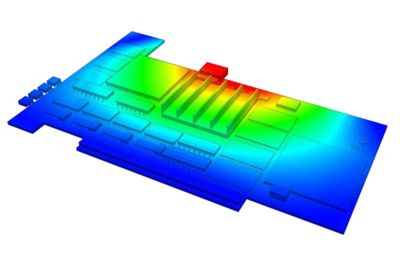
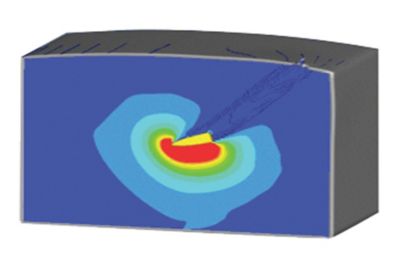
ANSYS Professional allows an easy way to perform a thermal transient stress analysis on a section of an automotive rotor.

Loading Content. Please wait

Superior CAD Interface & Robust Meshing Superior CAD Interface & Robust Meshing

Existing native CAD geometry can be used directly with ANSYS mechanical solutions — with no translation, no IGES and no intermediate geometry formats. ANSYS has provided native bidirectional integration with the most popular CAD systems for more than 10 years. Integration directly into the CAD menu bar makes it very simple to launch world-class simulation directly from a CAD system.

Since the ANSYS geometry import mechanism is common to all CAD systems, the user has the flexibility to work within a single common simulation environment while using multiple CAD packages.

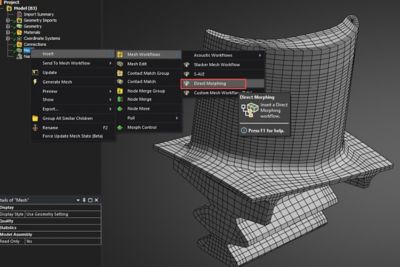
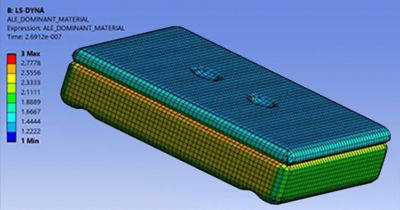
Automatic body-by-body meshing, large cell phone assembly for explicit drop test analysis

All HEX mesh of complex automotive brake rotor assembly
Courtesy PTC.

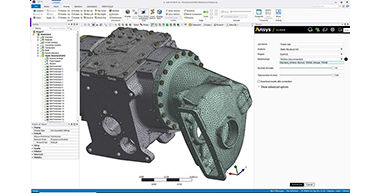
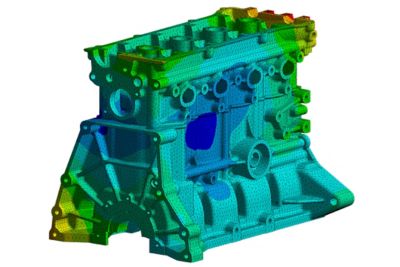
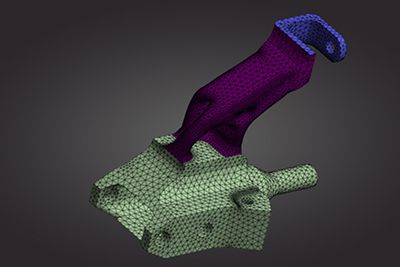
High-quality automatic tetrahedral mesh for complex engine block
Courtesy PTC.

ANSYS supports the following CAD systems: Autodesk® Inventor®, Autodesk® Mechanical Desktop, Autodesk® Inventor® Professional Stress, CATIA® V4 and V5, Pro/ENGINEER®, Solid Edge®, SolidWorks®, Unigraphics®, CoCREATE Modeling™ and SpaceClaim®. The ANSYS Workbench environment also supports neutral format files such as IGES, Parasolid®, ACIS® (SAT) and STEP, which enable the use of any CAD system with the capability to export to any of these formats.

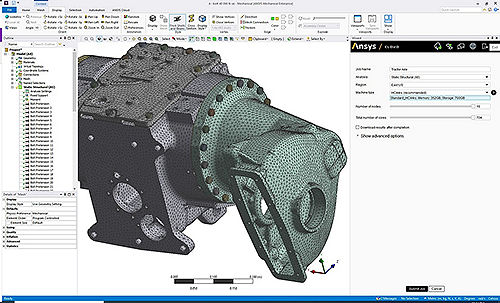
ANSYS provides a wide range of highly robust automated meshing tools — from tetrahedral meshes to pure hexahedral meshes, inflation layers and high-quality shell meshes. Mesh settings like surface or edge sizing, sphere of influence, defeaturing tolerances and more can be set by the user.

Auto Contact Detection for Assemblies Auto Contact Detection for Assemblies

Once the geometry has been imported, ANSYS mechanical solutions automatically detect and perform setup for contacts or joints between parts of an assembly. The contact settings and options can be modified, and additional manual contact definitions can be added. Joints for flexible/rigid dynamics are automatically detected. Each contact or joint is easily identified using the graphical tools provided in the environment.

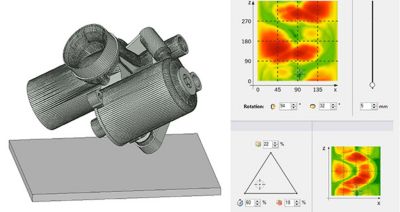
Automated detection of contacts is performed upon geometry import.
Courtesy Pratt & Miller.
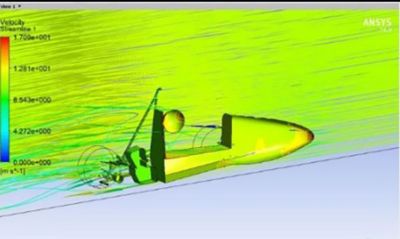
 

Automated detection of contacts is performed upon geometry import.
Courtesy Pratt & Miller.

Comprehensive Element Technology Comprehensive Element Technology

The current generation of ANSYS element technologies provides rich functionality with a consistent theoretical foundation coupled with the most advanced algorithms. ANSYS structural mechanics software provides a large library of elements including beam, pipes, shells, solids, 2-D planar/axisymmetric and 3-D axisymmetric elements, which have wide applicability that includes composites, buckling and collapse analysis, dynamics analysis, and nonlinear applications. The library also includes special-purpose elements like gaskets, joints, interface elements and layered elements for composite structures.

These elements offer superior performance and functionality. They also support advanced material models and methods like remeshing/rezoning, fracture mechanics and coupled fields while also accommodating distributed solver processing needs.

Solid Elements

2-D quad/tri

3-D hexa/tetra/wedge/pyramid

Layered solids

Solid shell

4-node tetra (stabilized)


Coupled-Field Elements

Pore pressure elements

Fluid–thermal

Magneto–structural

Thermal–electric

Hydrostatic fluid elements

Shell Elements

Lower/higher order

Layered shells


Beam Elements

Multi-material beam analysis

Beam cross section definition

Special Elements

Rebars/reinforcements

Links/pipes/elbow

Springs/joints

Cohesive zone

Gaskets

User elements


Extensive Library of Material Models Extensive Library of Material Models

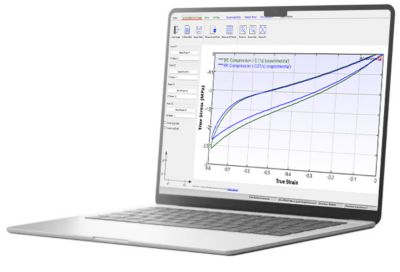
It is vital to understand and accurately characterize material behavior while designing or analyzing an engineering application. ANSYS provides a vast library of mathematical material models that aid the user in simulating various kinds of material behavior, such as elasticity, viscoelasticity, plasticity, viscoplasticity, cast iron plasticity, creep, hyperelasticity, gaskets and anisotropy. These constitutive models can be used to simulate various kinds of materials such as metals, rubber, plastics, glass, foam, concrete, bio-tissues and special alloys. In addition, to aid in finding parameters for these materials models, ANSYS provides a set of curve-fitting tools.

The virtual crack closure technique (VCCT) allows computation of energy-release rates for two-dimensional continuum and 3-D continuum elements. Two-D elements also support crack growth simulation.


Many material models are available such as shape memory allow for stent analysis.


Material Models

Isotropic/orthotropic elasticity

Multilinear elasticity

Hyperelasticity

Anisotropic hyperelasticity

Bergstrom–Boyce

Mullins effect

Plasticity

Viscoelasticity

Viscoplasticity

Creep

 
Other Models
Cast iron plasticity

Drucker–Prager

Shape memory alloy

Swelling material model
Gasket material
Concrete
Gurson damage
USERMAT

Advanced Numerical Methods for Nonlinear Problems Advanced Numerical Methods for Nonlinear Problems

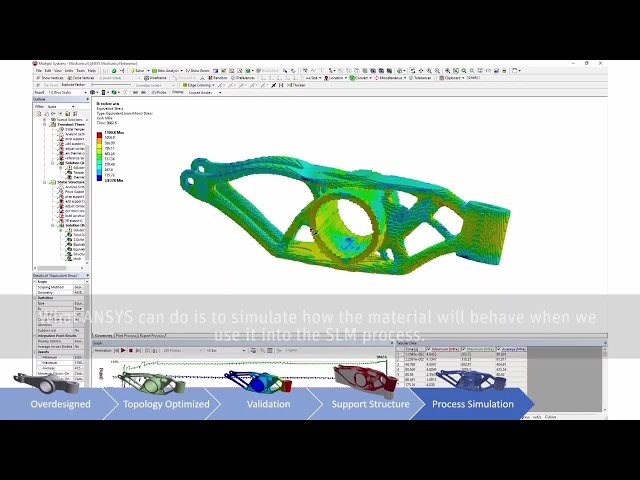
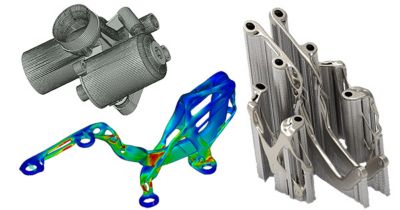
With a solid foundation of element and material technology, ANSYS structural mechanics offers various advanced modeling methods for different kinds of applications. There are modal, harmonic, spectrum, rotordynamics, flexible multibody dynamics, component mode synthesis, cyclic symmetry, delamination, composite failure, fracture mechanics, adaptive meshing, 2-D rezoning, submodeling, substructuring, element birth and death, and topology optimization, among others.

In addition, ANSYS structural mechanics offers advanced capabilities that allow users to simulate a variety of physics phenomena, such as thermal–stress, electromechanical, structural–acoustics, mass diffusion and simple thermal–fluid analysis.

Nonlinear Toolset

Nonlinear convergence controls

Contact diagnostics

Nonlinear diagnostics

2-D rezoning

Nonlinear stabilization

Partial solve

Implicit explicit transfer

Element birth and death

Initial stressstrain

Linear perturbation

Powerful Solver Capabilities Powerful Solver Capabilities

ANSYS structural mechanics solutions offer a large library of out-of-the box equation solvers. The library contains the sparse direct solver, the preconditioned conjugate gradient (PCG) iterative solver, the Jacobi conjugate gradient (JCG) solution, etc. In addition, the distributed versions of PCG, JCG, and sparse solvers are available for use in large-scale computing via parallel processing. By combining our parallel algorithms with the power of GPUs you can further reduce the solution time required for your large models.

Variational technology from ANSYS allows acceleration of the computation of normal modes for cyclic structures, especially when a large number of harmonic indexes are required. Frequency sweeps such as those found in harmonic analyses also benefit from variational technology. Typical speedup factors observed range from three to 10. Transient thermal runs and certain classes of nonlinear structural transient problems are computed in a shorter time using these same principles.

Solver Type
Direct Sparse
Iterative PCG
Distributed Memory Dsparse
DPCG


Multiple GPUs can be used on nodes of a cluster to reduce computing time. For example, solder balls were modeled with 4M DOF for creep strain analysis.

Results courtesy MicroConsult Engineering, GmbH.

Advanced Post-Processing Advanced Post-Processing

ANSYS provides a comprehensive set of post-processing tools to display results on models as contours or vector plots to provide summaries of the results (like min/max values and locations). Powerful and intuitive slicing techniques allow the user to get more detailed results over given parts of the geometries. All the results can be exported as text data or to a spreadsheet for further calculations. Animations are provided for static cases as well as for nonlinear or transient histories. Any result or boundary condition can be used to create customized charts.

Contour plots on bodies

Results can be displayed on any part of the geometry.

Path plot

Solver Customization & Scripting Solver Customization & Scripting

Customization capabilities through user elements, user materials and scripting using ANSYS Parametric Design Language (APDL) provide flexibility and extend the capability of applications for mechanical solutions.

APDL is the foundation for accessing sophisticated features of the structural mechanics solver. In addition, engineers can use APDL to automate common tasks, build their own parametric models, perform design optimization, construct adaptive meshing, etc., as it offers many convenient features such as parameters, macros, branching, looping, and repeating and array parameters that can be used in day-to-day analyses.